

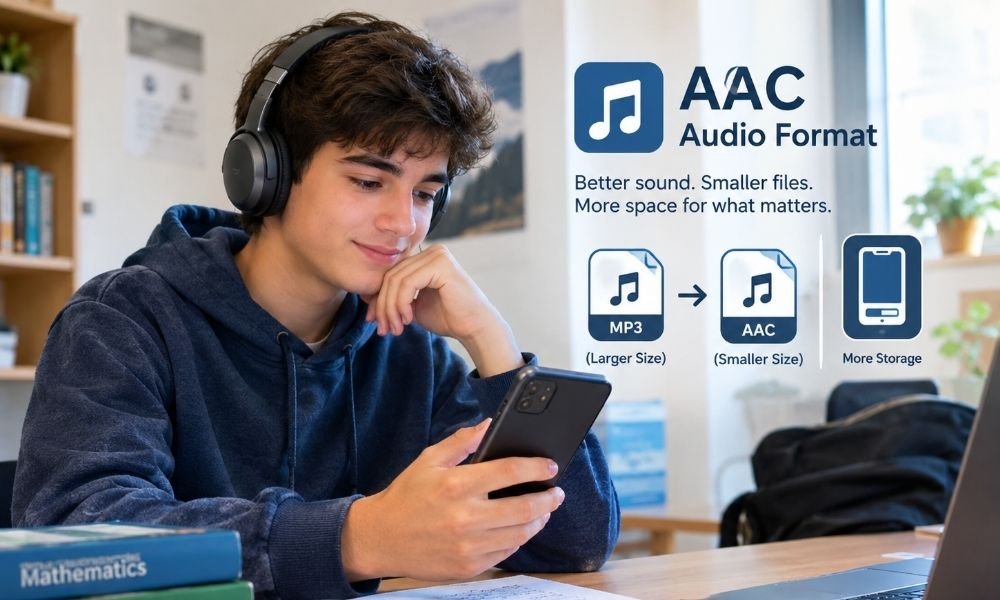
A student named Ayan had an old phone. It still worked, but it had one big problem. The storage was always full. He used the phone for school notes, class videos, photos, messages, and music. Every few days, a warning appeared on the screen. It said there was not enough space. Ayan deleted some photos. Then he deleted old apps. Then he deleted songs he liked. But the same warning came back again.
He felt stuck because his phone was not just for fun. It was also his study tool. This is where the AAC audio format became useful. AAC means Advanced Audio Coding. It is a lossy digital audio format made to compress sound and save space while keeping useful sound quality. It was also designed as a successor to MP3 and can give better sound than MP3 at the same bit rate in many cases.
Why Phone Storage Becomes a Daily Problem
Many students use one phone for many jobs. They listen to songs on the bus. They watch lessons at night. They save PDF notes. They take photos of whiteboards. They record voice notes from class. They also use chat apps, games, and social media. Each file takes space. A song may look small, but many songs together can fill a phone. A video can take even more space.
Photos, apps, and cache files also grow over time. Ayan did not understand this at first. He thought his phone was just old and weak. But the real problem was file size. His phone had limited space, and he was saving files without checking their format. When he learned about the AAC audio format, he saw that the way a file is saved can change how much space it uses.
What Is AAC Audio Format?
The AAC audio format is a way to store sound in a smaller file. The full name is Advanced Audio Coding. It is often used for music, videos, streaming, and mobile devices. AAC is called a lossy format. That means it removes some sound data when making the file smaller. This may sound bad, but it is not always a problem.
A good audio format removes parts that many people may not notice during normal listening. The goal is simple. Keep the sound pleasant and make the file smaller. AAC is often found in files like M4A or MP4 audio. A student does not need to know every technical detail. The simple idea is this: AAC helps sound fit into less space. For someone with an older phone, that can be very helpful.
Ayan’s Storage Problem Got Worse
Ayan loved music. He had study playlists, relaxing songs, and exercise songs. He also saved audio lessons. Some were English lessons. Some were history lessons. Some were recorded class notes. His phone had only a small amount of free space left. One day, he tried to download a math video before going home. The download failed. His phone said storage was full.
He became angry because the video was for an exam. He deleted three songs, but it was not enough. Then he deleted a game, but the phone was still slow. Later, a friend checked his music folder. Many songs were saved in large files. Some were old MP3 files at high settings. Some were copied more than once. Ayan learned that music files can use more storage than needed when they are not managed well.
How AAC Audio Format Helped Him Think Differently
Before this, Ayan thought all audio files were almost the same. A song was just a song. But after learning about the AAC audio format, he saw that format matters. A file can sound good and still be smaller. He did not need the biggest file for every song. He was not using studio speakers. He was using normal earphones on a bus, at home, and during walks.
In that kind of listening, very large files were not always needed. AAC helped him understand a better balance. He could keep songs in a smart size and still enjoy them. This was not magic. It was just better compression. Compression means making data smaller. Good compression saves space without making the song sound poor for normal use.
Bitrate in Simple Words
To understand the AAC audio format, Ayan had to learn one new word: bitrate. Bitrate is the amount of data used for one second of audio. A higher bitrate often means more data and a larger file. A lower bitrate often means a smaller file. But smaller is not always better. If the bitrate is too low, the sound may become weak, flat, or strange.
If the bitrate is too high, the file may waste storage. AAC can often do a good job at lower bitrates compared with older formats like MP3. This is why people use it for phones and streaming. Ayan learned that he did not need to chase the largest number. He needed a setting that gave him clear sound and saved space.
Why Smaller Audio Files Matter for Students
For a student, storage is not only about music. It is about daily life. Ayan needed space for exam papers, class pictures, school group messages, and downloaded lessons. When music took too much room, it pushed out important files. That caused stress. A phone with full storage may also act slow. Apps may crash. Photos may fail to save. Downloads may stop.
Ayan did not want to delete his favorite songs every week. He also did not want to miss study videos. Using the AAC audio format helped him make a better plan. He kept the songs he loved. He removed duplicate files. He changed some large audio files into smaller versions. The phone did not become new, but it became easier to use.
The Big Lesson: File Size Is Not the Same as Quality
Ayan had once believed that a large file always meant better sound. This is a common mistake. A large file can be better, but not always. Some files are large because they are saved at high settings. Some are large because they are not compressed well. Some may even be large but still sound bad because the original recording was poor.
The AAC audio format taught Ayan a simple lesson. Sound quality depends on many things. It depends on the original recording, the encoder, the bitrate, the earphones, and the place where you listen. A bus with traffic noise is different from a quiet room with good speakers. For normal students with normal earphones, a smart AAC file can be enough.
AAC Audio Format and Study Videos
Ayan also watched many study videos. He did not know that audio is part of video files too. A video file has picture and sound together. If the sound is saved in a smart way, the full video may use less space. AAC is widely used in MP4 video files. That matters because MP4 is common on phones, laptops, and many video apps.
When Ayan downloaded lessons, he started checking file size before saving them. He learned that a 10-minute video could be large or small based on its video quality and audio settings. He did not need the highest video quality for every class recording. Sometimes clear sound and readable text were enough. AAC helped make that idea easier to understand.
A Simple Cleanup Plan for Older Phones
Ayan made a phone cleanup plan. First, he checked which files used the most space. Then he removed duplicate songs. After that, he moved old photos to cloud storage or a memory card when possible. He also deleted app cache from apps that stored too much hidden data. Then he looked at his music folder.
He kept his favorite files and removed songs he never played. For new music, he chose better compressed files when he had the choice. The AAC audio format became part of this plan. It was not the only solution, but it helped. The best storage plan is not one trick. It is a group of small smart steps. Each step gives back a little space.
Where AAC Audio Format Is Commonly Used
The AAC audio format is not a strange or rare format. Many people use it without knowing its name. It appears in music files, phone recordings, online videos, and streaming systems. It is also connected with MP4 and M4A files. This is why many phones and media players can play it. Ayan liked this part because he did not want a format that only worked in one app.
He wanted files that could play on his phone and laptop. Still, he learned one important rule. Before changing any large music library, always test a few files first. Make sure they play on your device. Make sure the sound is good enough. Then change more files only if the test works.
The Hidden Trade-Off of Smaller Files
The AAC audio format is useful, but it is not perfect. Because it is a lossy format, some sound data is removed during compression. Most students may not notice this during normal listening. But people with high-end speakers or trained ears may care more. Also, changing a lossy file again and again can reduce quality.
For example, if a song is already a low-quality MP3, turning it into AAC will not make it better. It may only make another compressed copy. Ayan learned not to convert files again without a reason. If he had a clean original file, AAC could be helpful. If the file was already bad, AAC could not fix it. A format can save space, but it cannot repair poor sound.
AAC Audio Format vs MP3 for a Student
MP3 is still very common. Many old phones, car players, and music devices support it. That is why MP3 is not useless. But the AAC audio format can be a smart choice when storage is limited. It can give good sound in a smaller file when encoded well. For Ayan, this mattered more than winning a format debate.
He was not trying to become an audio expert. He only wanted more room on his phone. If a song sounded clear, played without trouble, and used less space, that was a win. The best format depends on the person’s need. A DJ may choose a different setup. A music producer may want lossless files. A student with an old phone may prefer AAC because it is practical.
What Students Should Check Before Using AAC
Ayan learned a few simple checks before using the AAC audio format. He checked whether his phone could play the file. He checked whether his music app supported it. He checked the sound with earphones. He compared file size before and after. He also kept a backup of important files.
This helped him avoid mistakes. Students should not delete original files too fast. They should first test the new file. If it sounds fine and works well, then they can remove the larger copy. This careful method is safer. It also teaches a good digital habit. Storage is not only about deleting things. It is about knowing what to keep, what to move, and what to compress.
A Better Way to Think About Music and Storage
The best part of Ayan’s story was not just saving space. It was learning control. Before, his phone controlled him. It always showed warnings. It stopped downloads. It forced him to delete files in a hurry. After learning about the AAC audio format, he understood his phone better. He saw that file choices matter.
He also saw that simple changes can reduce stress. He did not need to buy a new phone right away. He did not need to remove all his songs. He only needed a smarter system. This is why AAC is useful for students, workers, and anyone with limited storage. It gives people another way to manage digital life.
Common Mistakes to Avoid
Some people make mistakes when they first learn about the AAC audio format. They may think AAC always gives perfect sound. That is not true. Bad settings can still make bad audio. Some people think converting any file to AAC will make it better. That is also not true. If the original file is poor, conversion cannot bring back lost sound.
Some people delete their old files before testing the new ones. That can cause problems. Ayan avoided these mistakes by moving slowly. He tested first. He listened carefully. He checked storage savings. Then he made changes. This is a good rule for any student. Do not rush. Try a few files first. Keep a backup. Then decide.
Final Thoughts
The AAC audio format can be very helpful for a student with an older phone and limited storage. It can make audio files smaller while keeping sound clear enough for daily listening. It can help students keep more songs, lessons, voice notes, and study files without seeing the storage warning every day.
The story of Ayan shows a simple truth. Better digital choices can make old devices feel more useful. AAC is not perfect, and it is not the only audio format. But it is a smart option when storage matters. For music lovers, students, and phone users, the AAC audio format is more than a technical term. It is a simple way to save space and reduce daily stress.
FAQs
What is AAC audio format?
The AAC audio format means Advanced Audio Coding. It is a digital sound format that makes audio files smaller. It is often used for music, videos, and mobile devices.
Is AAC audio format better than MP3?
AAC can sound better than MP3 at the same bitrate in many cases. But the result depends on the original file, settings, device, and earphones.
Can AAC audio format save phone storage?
Yes. The AAC audio format can help save storage because it compresses sound well. This can help students keep more music and study files on an older phone.
Does AAC audio format reduce sound quality?
AAC is a lossy format, so it removes some sound data. But with good settings, many people still hear clear and enjoyable sound.
Should students use AAC audio format?
Students can use AAC if their phone or music app supports it. It is a good choice when they want smaller audio files and clear sound for daily listening.
